Burning Bridges AI Video Generator — make the Drake trend from one photo
Upload a selfie and get the chandelier-lit party clip everyone is posting: the wave, the raised cup, the “where she at?” look. About 20 seconds, ready for TikTok and Reels.
Drop your photo here
JPG, PNG or HEIC · one person, face visible
Uploads open when the generator launches
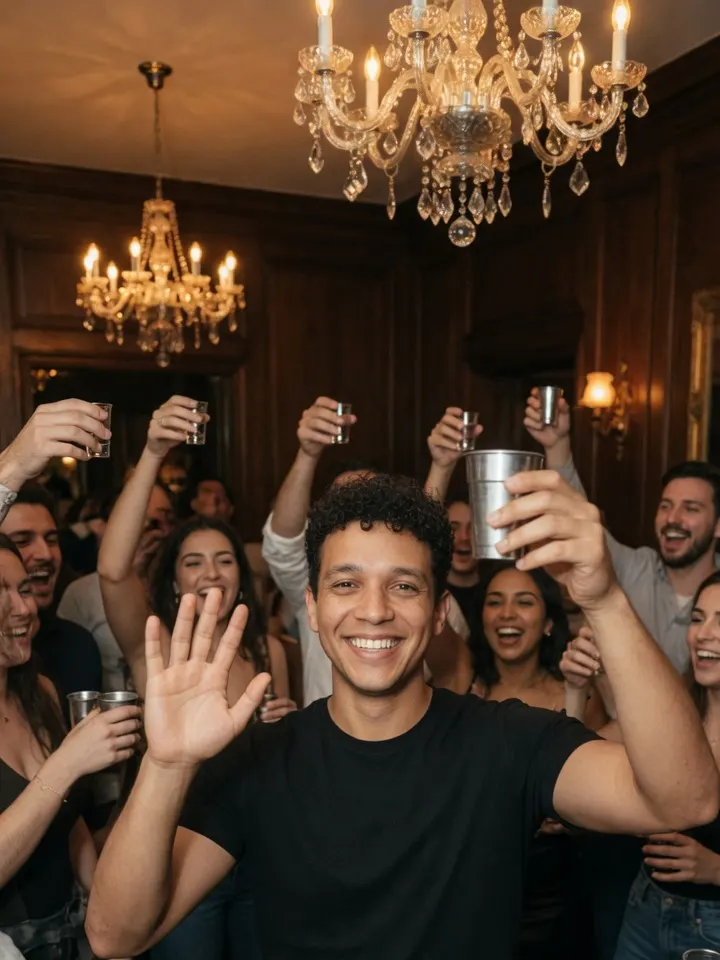 Your party clip0:20
One email when it’s live. No spam. Want it today? Make it now with Higgsfield or CapCut ↓
- ✓ Works with pets & cartoon characters
- ✓ Photos deleted after 24 hours
- ✓ Unofficial fan tool
Examples
One photo in, one party clip out
The motion, camera moves and timing follow the trend. Only the person changes, so your face, outfit and vibe show up in the party.
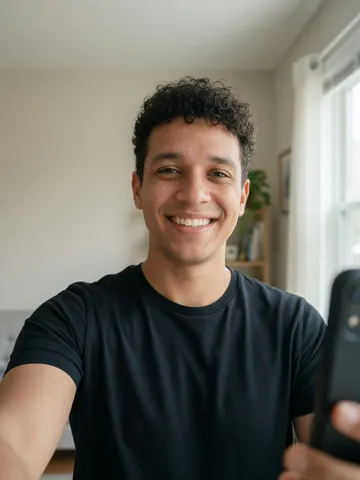 Photo
Photo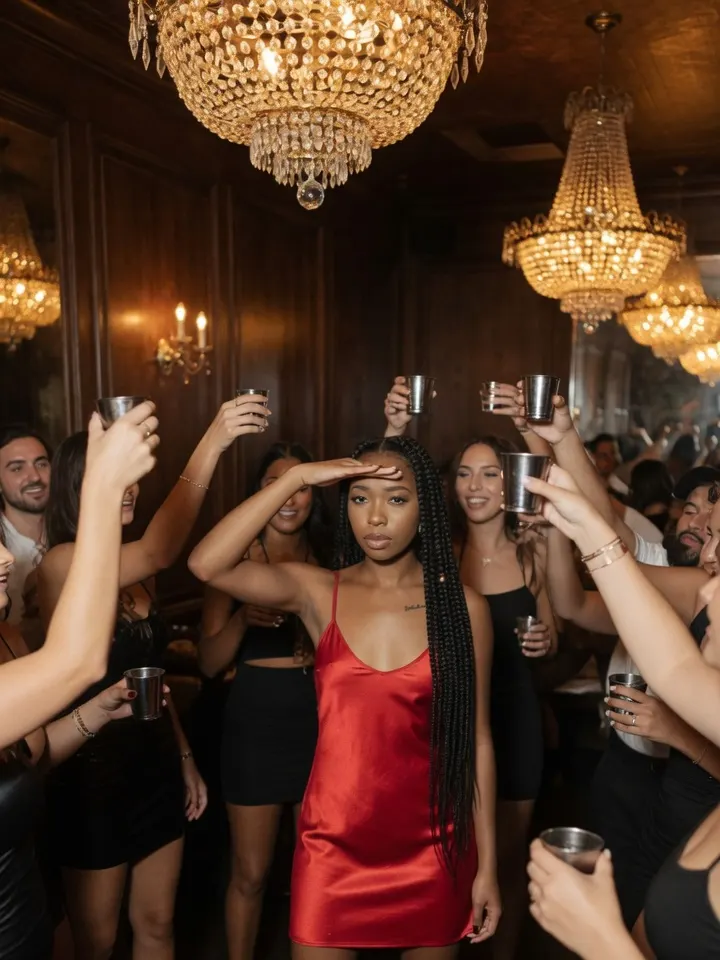
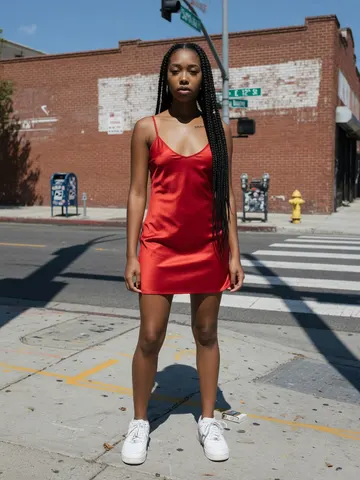 Photo
Photo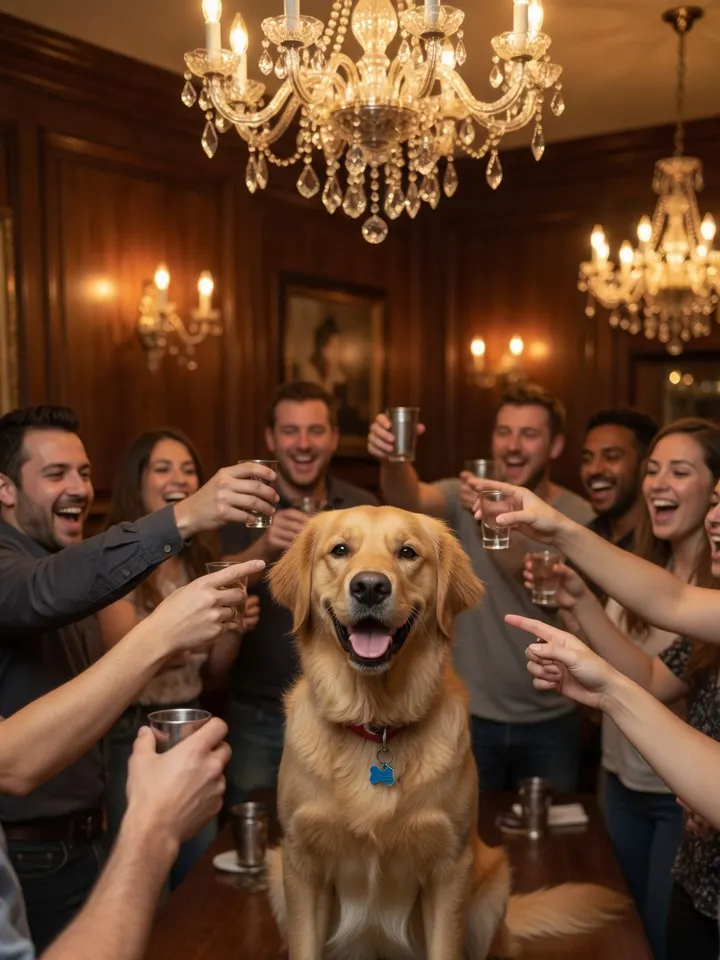
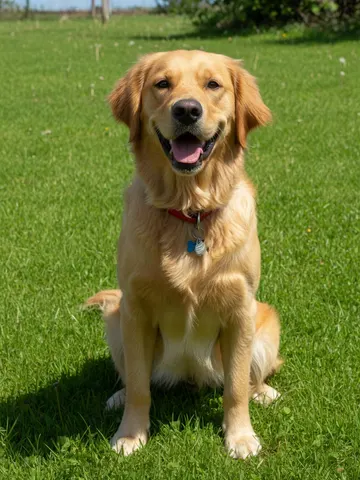 Photo
Photo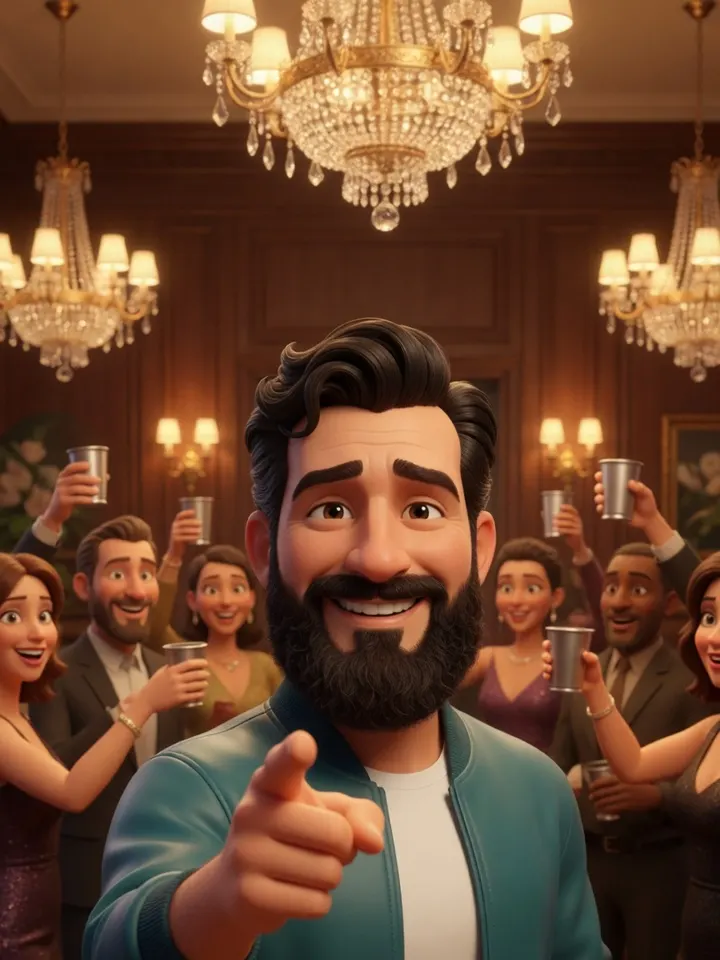
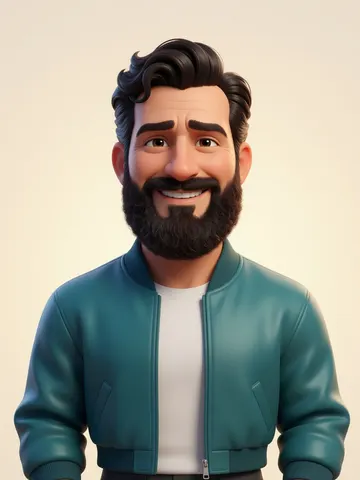 Photo
PhotoExample stills are illustrations. Real video samples are added at launch.
How to make it
How to make a Burning Bridges AI video
Three steps with our generator, or do it today with the apps TikTok creators already use.
- 1
Upload one clear photo
A front-facing, well-lit photo of one person (or pet) works best. Waist-up or full body.
- 2
AI puts you in the party
Motion transfer keeps the trend’s moves and camera, and swaps in your face and outfit.
- 3
Download & post
Get a vertical MP4 sized for TikTok, Reels and Shorts. Add the official sound in the app.
Other ways to make it right now
How to make the Burning Bridges AI video with Higgsfield
- Open Higgsfield and pick its character-swap tool (Genjutsu).
- Add a short clip of the party scene as the reference video.
- Upload 1–3 clear photos of yourself: front, three-quarter and full body.
- Prompt it to change only the person in the center, then generate.
- Run 3–5 takes and keep the best one. Add the song in TikTok.
Paid credits · several minutes per take · needs a reference clip.
How to make the Burning Bridges AI video with CapCut
- Open CapCut and go to the Templates tab.
- Search “burning bridges” or “drake party”.
- Pick a template with lots of recent uses and tap “Use template”.
- Add your photo or clip, then export to TikTok.
Free · templates change by region and app version, and most only edit a clip you already have.
How to make the Burning Bridges AI video with Film it yourself
- Find the official “Burning Bridges” sound on TikTok.
- Film at a party or with friends under warm light.
- Hit the hand-over-eyes “where she at?” look on the lyric.
- End with a cup raise, shrug or laugh.
Free · needs a crowd and good timing.
Photos that work
- Face the camera, eyes visible
- Bright, even daylight
- One person, waist-up or full body
- Little or no filter
Photos that don’t
- Sunglasses, masks or hands over the face
- Group shots (crop to one person)
- Dark, blurry or heavily edited photos
- Anyone who hasn’t agreed to it
FAQ
Burning Bridges AI questions
What is the Burning Bridges AI trend?
+–
It’s a TikTok trend where people use AI to put themselves into the chandelier-lit party scene from Drake’s “Burning Bridges” music video: waving at the camera, raising a cup and doing the “where she at?” look. Each clip is about 20 seconds.
Is the Burning Bridges AI generator free?
+–
You get a free preview to try it. HD downloads without a watermark use credits. Exact pricing is posted at launch.
How long does it take?
+–
Usually 3–6 minutes per video. You can leave the page; we’ll keep it in your history.
Can I use my pet or a cartoon character?
+–
Yes. Clear, front-facing pets and cartoon or 3D characters work. Results vary more than with human photos, so try a sharp image with the face fully visible.
Is it safe? What happens to my photo?
+–
Photos are used only to make your video and are deleted after 24 hours. We never use them to train models or share them.
Can I make one with someone else’s photo?
+–
Only with their permission. Photos of minors, sexual content and anything meant to harass or deceive are not allowed.
Does the video include the song?
+–
Add the official “Burning Bridges” sound when you post on TikTok or Reels. That keeps your post on the trend’s sound page and avoids copyright mutes.
Is this made by Drake?
+–
No. Burning Bridges Video is an independent fan tool and is not affiliated with Drake, OVO or any record label.
Get in the party
One photo is all it takes.
Get notified at launch